
Eagle – AI Tool
Category: Productivity – Pricing Model: Freemium
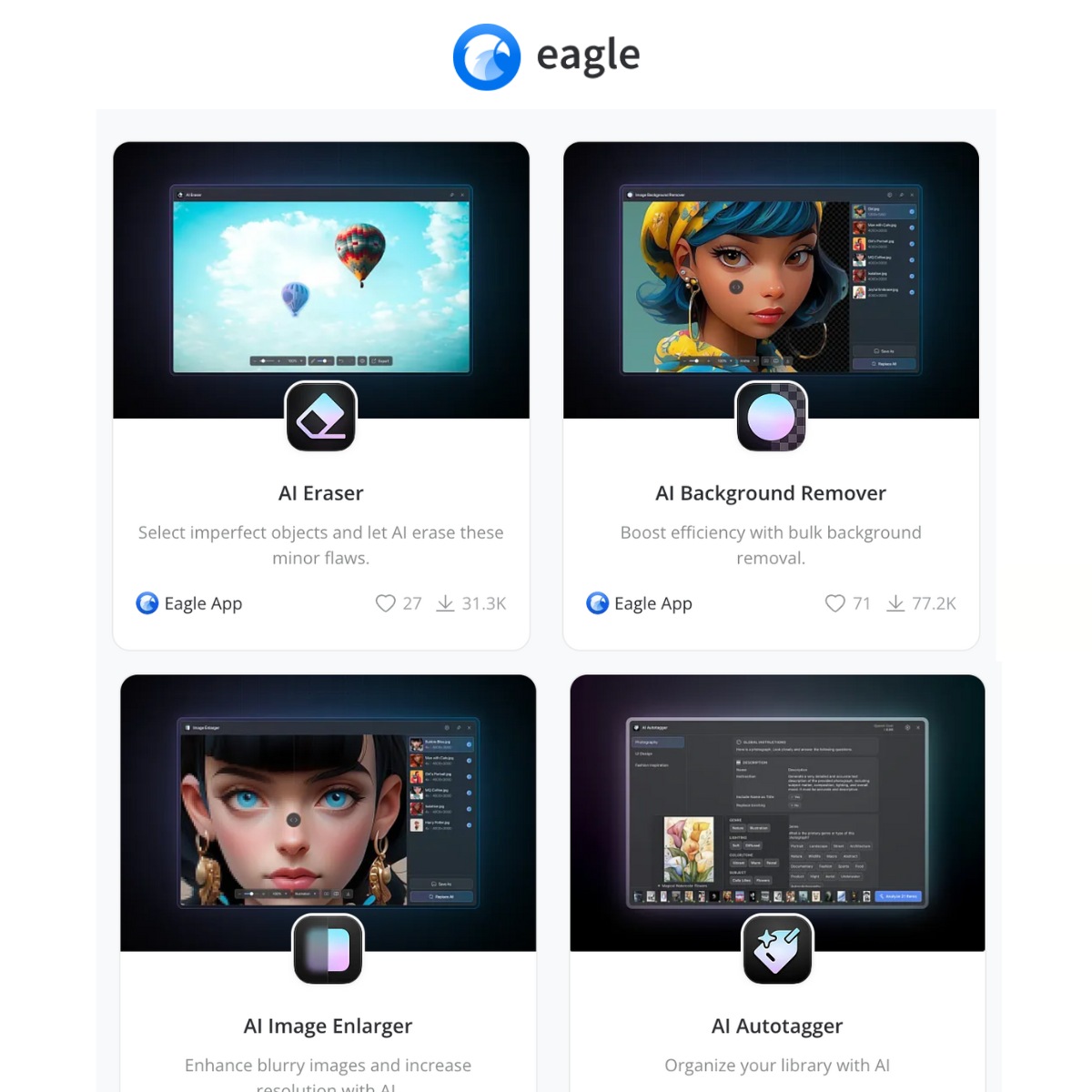
Eagle is an all-in-one asset management tool for creatives, offering AI-driven tools like image enlargement, background removal, and text extraction, plus smart organization with tagging and color filters. Customize workflows, save assets with a browser extension, and streamline collaboration with cloud sync options for efficient content management.
Full Overview
Eagle is an all-in-one asset management tool designed specifically for creatives, categorized under Productivity. It helps users efficiently organize, manage, and find their extensive collection of visual assets, including images, design files, videos, and more. Eagle streamlines the creative workflow by offering AI-driven functionalities such as smart organization through auto-tagging and color filters, image enhancement tools like enlargement and background removal, and text extraction from images. By providing a central hub for all creative resources, Eagle helps designers, artists, and marketers maintain an organized library and quickly locate necessary files, dramatically improving efficiency.
A major pro of using Eagle is its robust AI integration, which automates time-consuming tasks like asset tagging and basic image editing (background removal and enlargement), saving significant time for content creators. Its smart organization features, including customized workflows and color-based filtering, offer a highly flexible way to manage large libraries. However, potential cons might include the initial time investment required to migrate and set up a large existing library within the tool. While the pricing model is Freemium, users may find that advanced features necessary for professional use require a paid tier, and its primary focus on visual asset management may make it less suitable for users whose workflow relies heavily on text or data files.
Eagle’s core value lies in its features that enhance both creativity and productivity, ensuring assets are not only stored but are easily searchable and ready for use. These features simplify complex organizational tasks and integrate seamlessly into existing design processes. Key features include:
- AI-driven image enlargement
- Background removal
- Text extraction from images
- Smart organization with tagging and color filters
- Customizable workflows
- Browser extension for asset saving
- Cloud sync options for collaboration
Eagle Review
Rami Yusuf
Review
Ease of Use
Helpful for daily purposes
Product roadmap looks promising
Summary
Helpful tool to increase productivity