
Photoshop Generative AI – AI Tool
Category: Graphic Design – Pricing Model: Paid
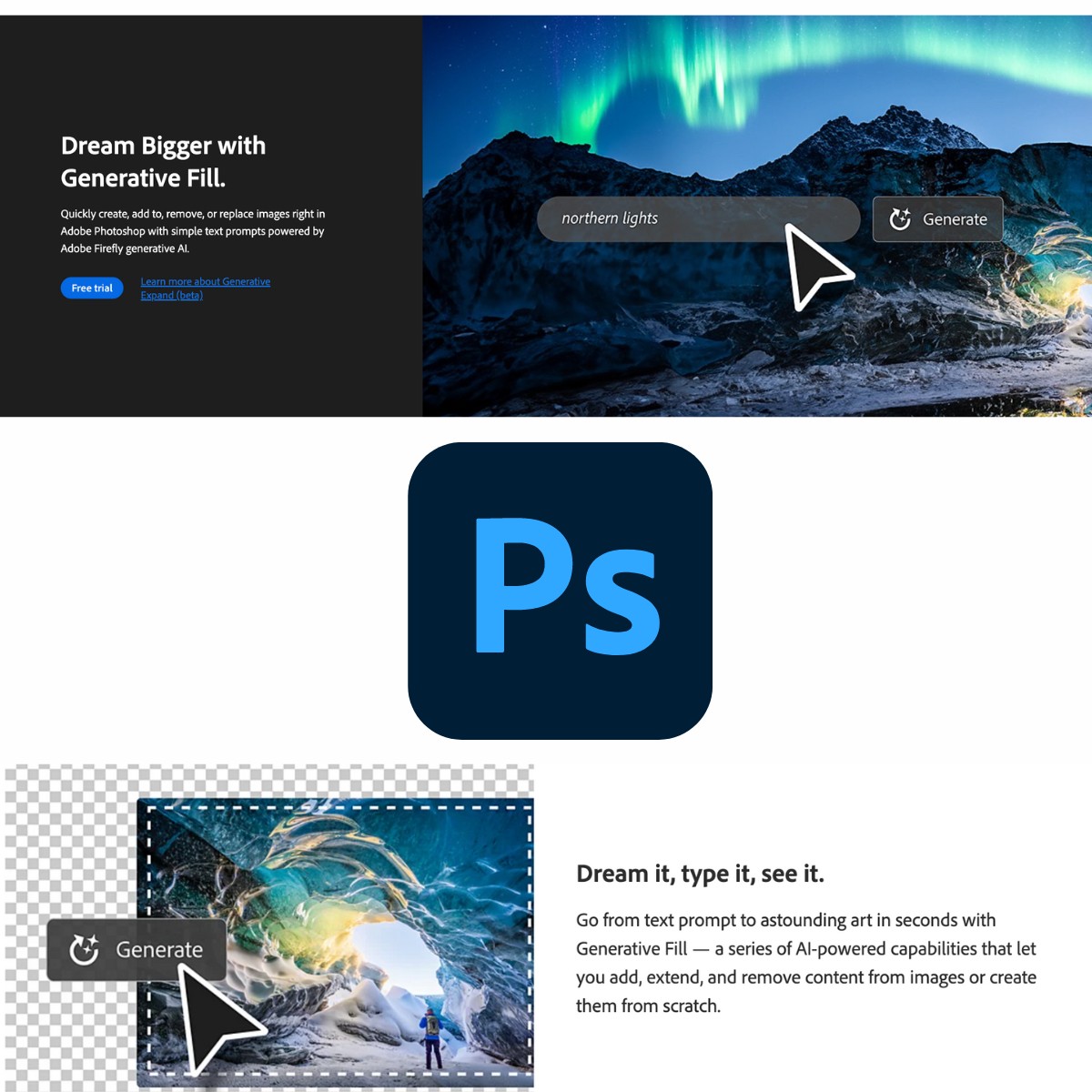
Adobe’s Generative Fill, an AI-driven feature within Photoshop, can add missing elements in photos, extend landscapes, or eliminate unwanted elements. All is possible with text prompts and you can be sure of using the finished images for commercial use.
Full Overview
Photoshop Generative AI, featuring Adobe’s Generative Fill, is an advanced Graphic Design tool that seamlessly integrates powerful AI capabilities directly into the industry-standard Adobe Photoshop platform. Designed to revolutionize image editing and manipulation, this feature allows users to easily add missing elements, extend landscapes, or eliminate unwanted objects simply by providing descriptive text prompts. By operating within Photoshop, it provides professional designers and creators with access to sophisticated generative AI, ensuring that the results are highly accurate, context-aware, and maintain the integrity of the original image style.
A major pro of using Photoshop Generative AI is the complete assurance of commercial use, as the underlying training data is sourced safely and legally by Adobe, eliminating copyright concerns common with other generative tools. It dramatically speeds up complex tasks like content-aware filling and background extension, saving significant time for graphic designers. However, a potential con is its “Paid” pricing model, as access requires a subscription to the Adobe Creative Cloud suite, which may be a barrier for hobbyists or budget-conscious creators. Additionally, while the AI is highly capable, mastering the art of prompt engineering is still necessary to achieve the most precise and high-quality results.
This tool is essential for professional workflows, enhancing creativity and productivity by making complex image manipulation techniques accessible via simple text input. It ensures that creators can push the boundaries of their digital art and photography with speed and commercial safety.
- Generative Fill technology
- Add missing elements via text prompts
- Extend landscapes or images
- Eliminate unwanted elements
- Commercial use ready
Photoshop Generative AI Review
Charlie Brown
Review
Great for Novice Users
Was useful for the purpose
Expecting the tool to get better
Summary
Worth experimenting and should improve with time